Most teams pick a mobile framework based on hype, then spend months fixing unexpected problems. This guide cuts through the marketing to reveal the real tradeoffs between native and cross-platform, covering the performance ceilings and hidden costs that show up after launch.
Most teams pick a development approach based on a blog post, then spend the next six months fixing problems that blog post never mentioned. This covers what actually matters when choosing between native and cross-platform: the tradeoffs that show up after you've committed, not before.
What Each Approach Actually Means
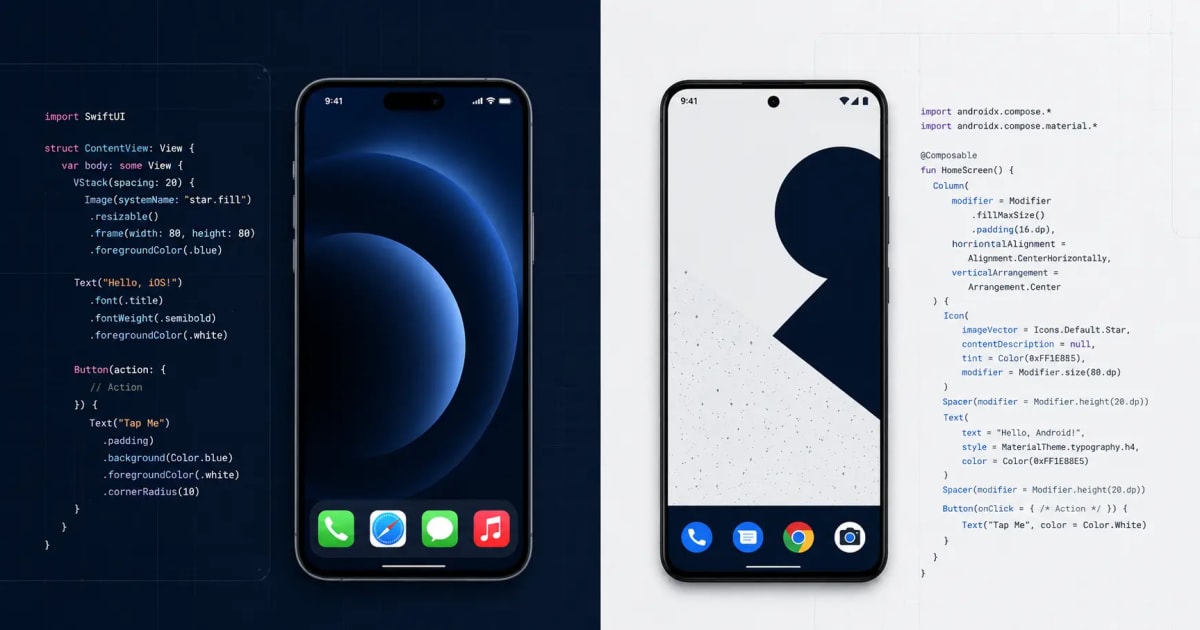
Native means building separately for iOS and Android. Swift for iOS. Kotlin for Android. Two codebases, two teams, two release pipelines. When Apple ships a new API, you can use it that week.
Cross-platform means one codebase for both platforms. React Native and Flutter are the two options worth considering in 2026. One team ships to both stores. You save on headcount and move faster early on.
Both work. Both have products with millions of users. The choice comes down to what your app needs, not which one sounds better.
What You Get With Native
1. Same-day access to new platform features
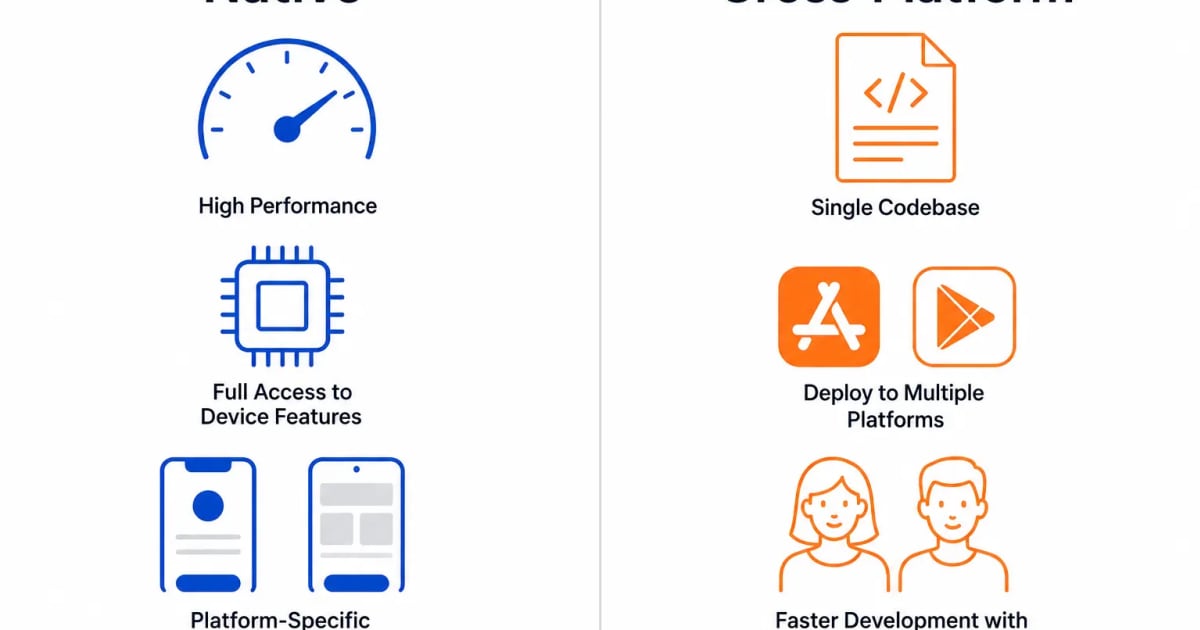
Apple and Google release new APIs for their own languages first. If your app needs Live Activities, Dynamic Island widgets, health data from HealthKit, or ARKit features, native gets you there immediately. Flutter and React Native support eventually lands, but you're waiting 3 to 6 months after Apple or Google ships it.
2. No performance ceiling on intensive tasks
For most apps, this won't matter. For apps doing real-time video processing, frame-by-frame animations, heavy background syncing, or anything touching audio pipelines, native runs closer to the hardware. Cross-platform introduces layers between your code and the OS. Usually those layers are invisible. On intensive workloads, they're not.
3. Platform behavior is automatic, not built
iOS users expect swipe-back navigation, Dynamic Type scaling, and haptic patterns that match the rest of their phone. Android users expect predictive back gestures and Material You theming that adapts to their wallpaper color. On native, this is default behavior. On cross-platform, you build it manually, test it separately, and maintain it across OS updates.
4. Debugging uses the tools Apple and Google built
Xcode Instruments and Android Studio's profiler are designed specifically for their platforms. When something breaks in a native app, the stack trace points directly at the problem. In cross-platform apps, crashes sometimes surface in the framework layer rather than your code, which adds time to every debug cycle.
What You Get With Cross-Platform
1. One team covers both platforms
This is the practical advantage most teams underestimate. One PR review, one test suite, one deployment. When you push a fix, it goes to iOS and Android at the same time. For a startup with 3 engineers, this isn't a convenience. It's the only way the product gets built.
2. You ship faster when the product is still changing
In early-stage products, you're changing flows, rethinking features, and responding to user feedback fast. Cross-platform means you make that change once. Doing it twice in separate codebases, with separate engineers, with separate review cycles, slows you down at exactly the point where speed matters most.
3. Flutter doesn't use native UI components at all
This is worth understanding properly. Flutter draws its own UI using its own rendering engine (Skia/Impeller). It doesn't wrap native buttons and text fields the way older cross-platform tools did. That's why Flutter apps feel consistent across Android versions and iOS versions. It's also why they don't automatically inherit system-level accessibility settings and font scaling without extra work.
4. React Native's performance issues are mostly solved
The old React Native had a JavaScript bridge that caused dropped frames on complex screens. The new architecture (Fabric and JSI) replaced that bridge. React Native apps in 2026 handle long lists, animations, and navigation without the jank that made earlier versions frustrating. It's not identical to native performance, but for most product categories the gap doesn't show up in user behavior.
The Things That Catch Teams Off Guard
Cross-platform has a ceiling. You may not hit it, but it exists.
Background Bluetooth, custom push notification handling, certain camera pipeline features, CarPlay, App Clips. All of these need native code. When you add native modules to a Flutter or React Native project, you're no longer maintaining one codebase. You're maintaining a cross-platform project with platform-specific extensions. That's a different kind of complexity than two fully separate codebases, but it's not zero complexity either.
Native's ongoing cost is higher than the build cost suggests.
Two codebases means two of everything after launch. Two sets of OS compatibility issues every September when Apple ships a new iOS. Two QA passes for every feature. Two sets of app store submissions. Two engineers on call when production breaks. If you price a native build and only count the development sprint, you're missing half the number.
Flutter needs design system discipline from day one.
Because Flutter renders its own UI, it won't pick up system dark mode, dynamic font sizes, or accessibility display settings automatically. You have to wire those up yourself using Flutter's theming system. Teams that skip this early end up with apps that fail accessibility audits or look wrong on older devices. It's not hard to get right, but it has to be a decision made at the start of the project.
"Performance parity" means different things in different benchmarks.
Cross-platform and native can match each other on frame rendering for standard screens. They don't always match on cold start time, memory usage across multiple app sessions, or battery draw during background tasks. For a logistics app or an e-commerce app, this rarely matters. For a trading app or a real-time collaboration tool, it's worth running your own tests before committing to a framework.
How to Pick
Go native when:
Your core features depend on platform APIs that cross-platform frameworks don't fully support yet (ARKit, HealthKit, CarPlay, App Clips, Live Activities)
Real-time performance is a product requirement, not an optimization target (live audio, video processing, gaming)
You're entering a category where users compare your app directly to the best native apps on the store
You have two dedicated platform engineers and a maintenance budget for both
Go cross-platform when:
You're building an MVP and need to validate the product before scaling the team
Your app is primarily forms, lists, dashboards, bookings, or content feeds
You have one mobile team and can't staff separate iOS and Android engineers
Keeping both platforms at feature parity matters more than squeezing out platform-specific optimizations
The actual default: Most business apps, SaaS tools, marketplaces, booking apps, and internal tools belong in cross-platform. The apps that genuinely need native are a smaller category than vendor marketing suggests.
What This Looks Like in Real Projects
We've built native fintech apps in Swift and Kotlin where the security requirements, biometric integrations, and App Store review scrutiny made native the only sensible option. We've also shipped React Native products handling 200,000 monthly active users with no performance complaints.
The projects that go badly aren't the ones where someone chose the wrong framework. They're the ones where no one chose at all. The framework got picked because a developer was available, or because someone read a post two years ago, and the team spent a year working around a decision nobody made deliberately.
Pick based on your product requirements. Not based on what's trending.
Conclusion
Native gets you platform depth, hardware access, and no performance ceiling. Cross-platform gets you speed, lower headcount, and a single codebase to maintain. Neither is the right answer for every project.
If a development company recommends one without asking about your feature list, your team size, and your timeline, they're recommending what they're set up to build. The right answer comes from the requirements, not the other way around.
Work With Katchin Tech
We're a mobile app development company based in Delhi NCR with clients across India, the US, and the UK. We build in Swift, Kotlin, Flutter, and React Native. We'll tell you which one fits your project, not just what's easier for us to staff.
Email info@katchintech.com with a quick description of what you're building. We reply within 8 business hours. Or use the contact form at katchintech.com to set up a free call.
Frequently Asked Questions
Q: Flutter or React Native in 2026, which one? Flutter if you want consistent UI across every Android and iOS version without worrying about native component differences. React Native if your team already writes JavaScript and you want to share logic with a web codebase. Both are production-ready. The choice is about team fit, not framework quality.
Q: Can you migrate from cross-platform to native later? Yes. Most teams don't do a full rewrite. They keep the cross-platform base and write native modules for the features that need them. If you think you'll need to go native on specific features eventually, structure your cross-platform project so business logic sits separately from UI code from the start. Mixing them makes the migration painful.
Q: How much more does native cost? The initial build typically runs 40 to 70% higher when you're covering both platforms natively. Ongoing, the maintenance cost per platform is similar. The real cost difference is in team size. Two native engineers versus one cross-platform engineer is a recurring expense, not a one-time one.
Q: What about PWAs? Progressive Web Apps work for content-heavy products where users don't need deep device integration. They won't get you push notification reliability on iOS, background sync, or access to hardware APIs. For most apps we build, a PWA isn't a substitute. For a simple content or booking product on a tight budget, it can cover early-stage needs.
Q: How do I get started with Katchin Tech? Email info@katchintech.com or fill out the contact form atkatchintech.com. We respond within 8 business hours.